
# Client search
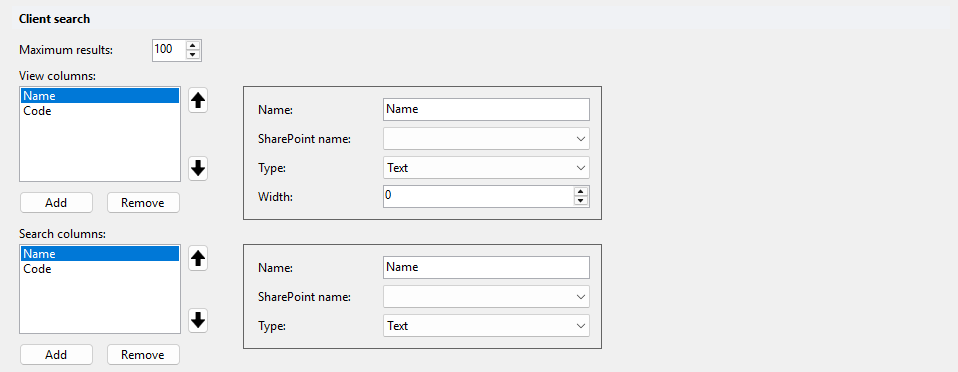
Configures the search fields and result columns of the client search in DMSforLegal, and the number of results. Client search results come from the Clients list next to the Matters list, so users need read permissions on that list.
# Maximum results
Maximum number of clients returned. Default: 50. On SharePoint Online, Add all sets 100.
# View columns
Result columns. Use the arrow buttons to change the column order. On SharePoint Online, Add all adds Name and Code.
| Property | Description |
|---|---|
| Name | Column header. |
| SharePoint name | Field of the Clients list. Pick it from the list. |
| Type | Field type. Read-only: set automatically from the selected SharePoint field. |
| Width | Column width. |
# Search columns
Input fields of the client search form. On SharePoint Online, Add all adds Name and Code.
| Property | Description |
|---|---|
| Name | Label of the input field. |
| SharePoint name | Field of the Clients list to search in. Pick it from the list. |
| Type | Field type. Read-only: set automatically from the selected SharePoint field. |