
# Contracts
The Contracts settings are used in Epona MatterCenter (classic, ASPX). Contracts can be saved in one specific document library, or the MatterCenter Contract page can surface contracts based on a specific content type. It is available starting with Epona MatterCenter Classic version 1.1.1.3, and allows a contract content type to be assigned to any document stored in DMSforLegal. The contract content type, DMS Contract by default, has three extra metadata fields relevant for a contract: Contract Number, Contract End Date and Contract Type. The last field gets its possible values from the taxonomy store.

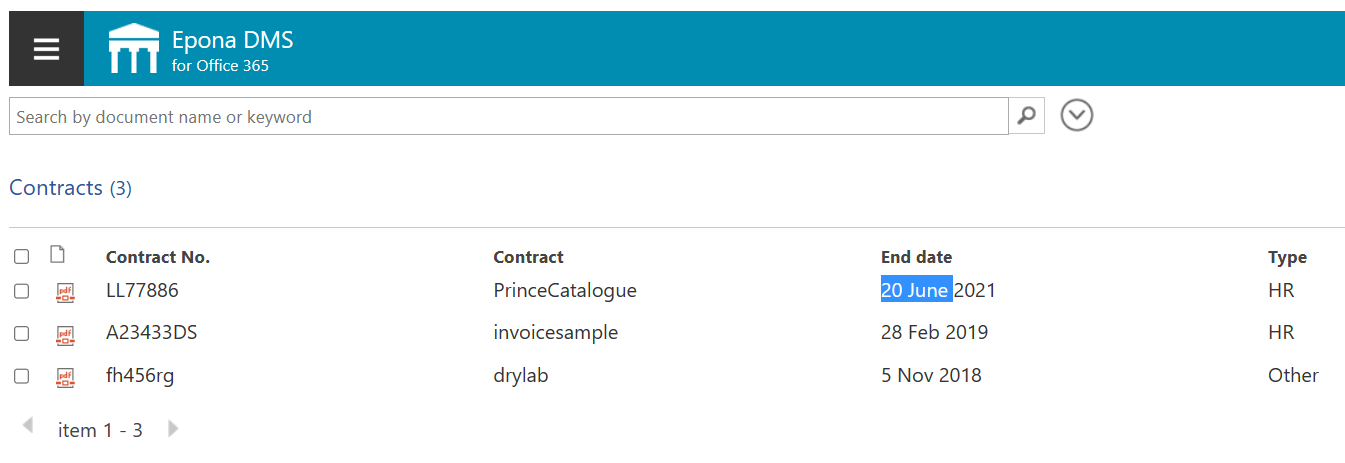
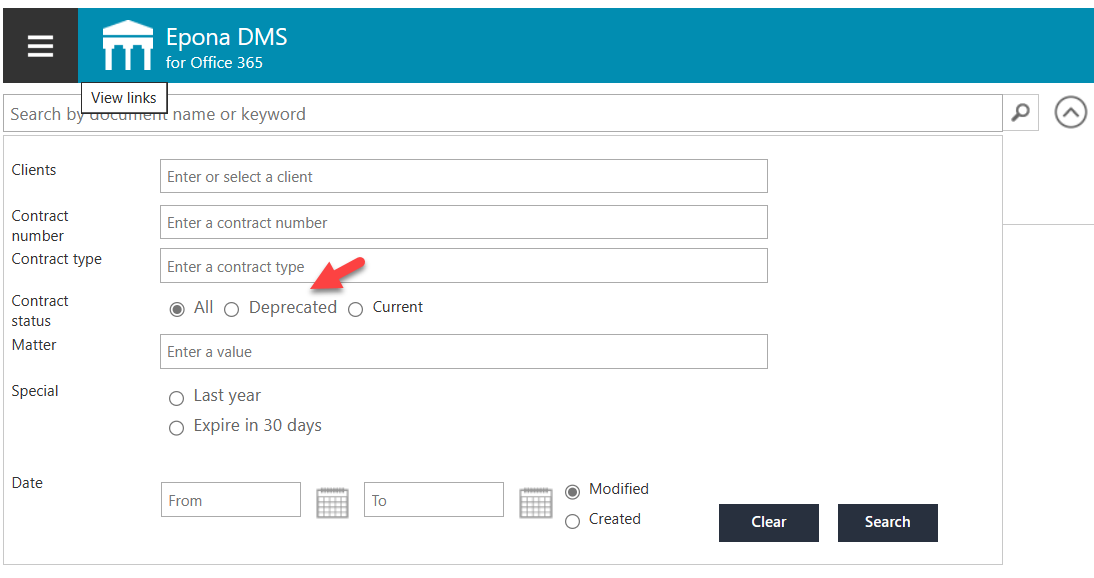
The MatterCenter web page shows the contracts with a filter on all, deprecated or current contracts.
# Enable contracts
Enables contracts. Default: off. When enabled, empty fields below are filled with their defaults: Content type DMS Contract, Contract number field CFContractNumber, Contract end date field CFContractEndDate, Contract type field CFContractType, Taxonomy field for contract type CFType.
# Contracts document library url
URL of the document library in which contracts are saved.
# Content type
Contract content type. Default when contracts are enabled: DMS Contract.
# Contract number field
Field that holds the contract number. Default when contracts are enabled: CFContractNumber.
# Contract end date field
Field that holds the contract end date. Default when contracts are enabled: CFContractEndDate.
# Contract type field
Field that holds the contract type. Default when contracts are enabled: CFContractType.
# Taxonomy field for contract type
Taxonomy field from which the contract type gets its values. Default when contracts are enabled: CFType.
# Deprecating contract days filter
Number of days used by the Deprecated contract status filter in MatterCenter. Default: 30.
# Setting contract field values
Contract content type field values can be set in different ways. One way is to change the document properties.
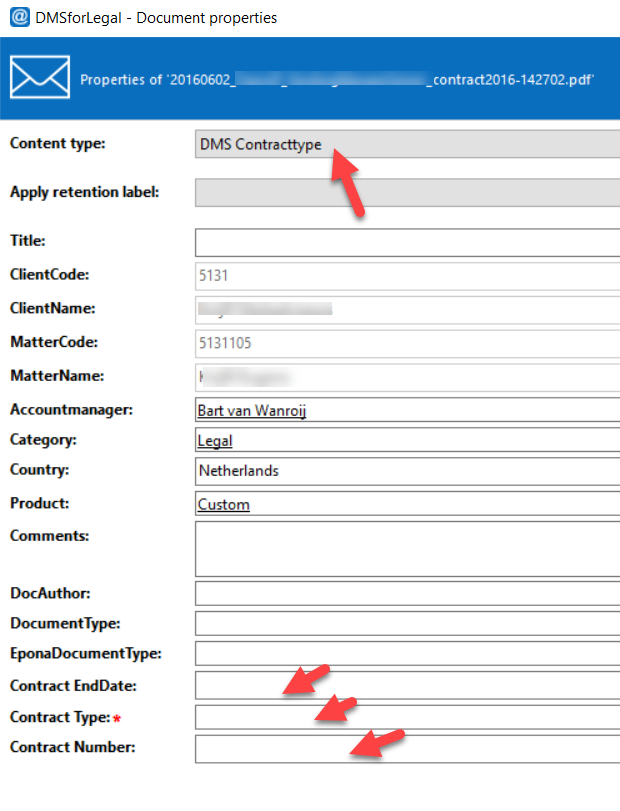
The configured profile fields are visible in DMSforLegal, Options, Profile tab. For each field you can pick or define a default value.

# Adding the contract content type to matters
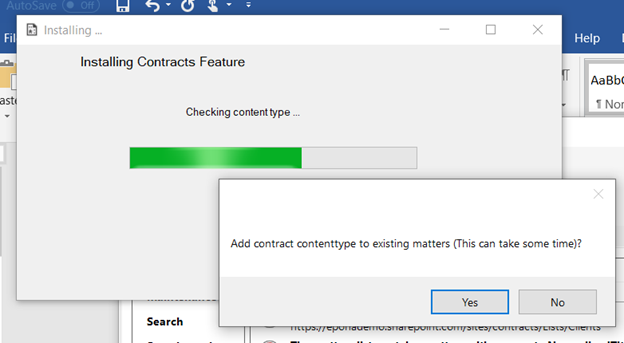
DMS Configuration Center can also bulk update the matters with the new DMS Contract content type. We advise not to use this function in DMS Configuration Center; use Epona Matter Site Provisioning to provision content type changes in existing and new matters instead.
# Contracts in MatterCenter SPFX
To make contracts visible in Epona MatterCenter SPFX, DMS Configuration Center must add the required SPFX settings to the DMS Configuration list. This procedure is available in the Configuration tab (not Settings). On SharePoint Online, when Enable contracts is on and saved, the tab shows the entry "Epona MC SPFX has doesn't have the contract feature installed." Click its Add button. Add all does not include this action.
